Free Card Games You Can Play Offline
Flights, long bus rides, villages with weak signal: good times for a card game, bad times for the internet. All the games on Cheettukali keep working offline once you've opened them.
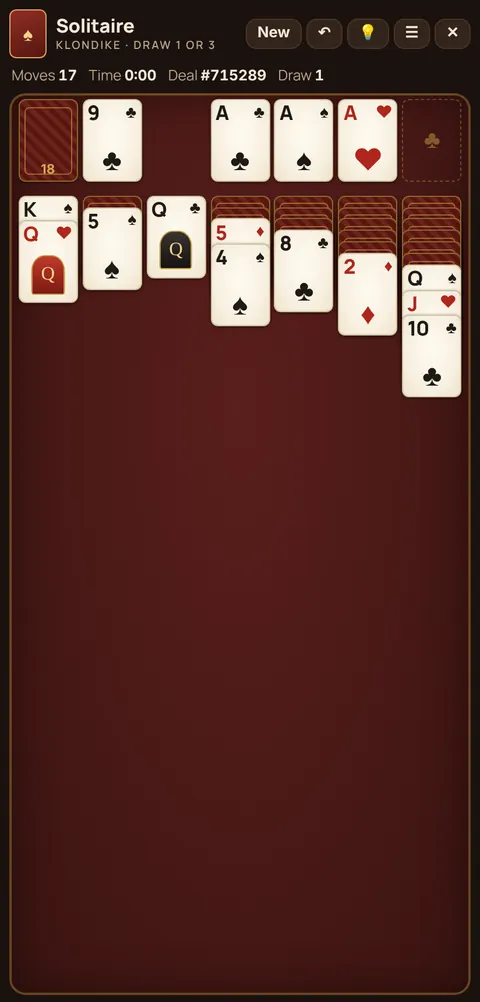
How it works
Cheettukali is a web app. The first time you open a game, your phone saves it. After that, the game opens and plays even with mobile data off. There's nothing to download from a store and nothing to sign up for.
Set it up in one minute
- While you're online, open the games you want: Solitaire, Spider, FreeCell, Call Break, Hearts, Spades, 29, 28, 40, 56.
- Android (Chrome): tap ⋮ then Install app or Add to Home screen.
- iPhone (Safari): tap Share then Add to Home Screen.
- Now open it from your home screen, with or without internet.
Which games are best offline?
- Short trips: Solitaire Draw 1 or a round of Call Break.
- Long flights: FreeCell (try to solve a run of numbered deals) or a full Spades match to 500.
- Missing home: a hand of Thuruppu 40 or 28 with computer partners.
Good to know
- Your scores and settings stay on your phone; nothing is sent anywhere.
- There's no money, no betting and no in-app purchases.
- Updates arrive automatically next time you're online.
FAQ
Can I play these card games without internet?
Yes. Open each game once while online; after that it works offline. Adding it to your home screen makes it open like an app.
Do I need to download an app?
No. The games run in your phone's browser and can be added to your home screen.