29 Card Game App: Install It Free in Seconds
You can turn Cheettukali's 29 into an app on your phone without going to any app store. It takes about ten seconds, uses almost no storage, and works offline.
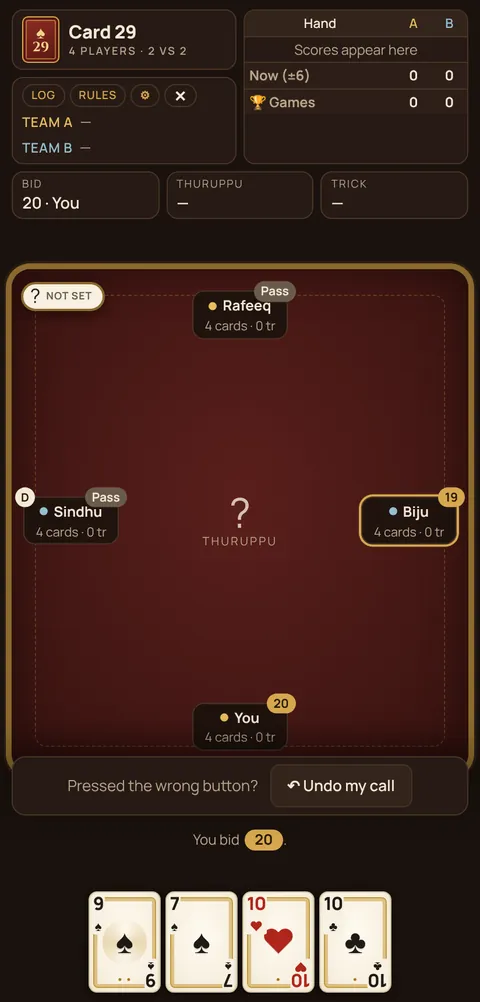
Android (Chrome)
- Open cheettukali.com/29-card-game/ in Chrome.
- Tap the ⋮ menu at the top right.
- Tap Install app or Add to Home screen.
- The Cheettukali icon appears on your home screen. Tap it to play full-screen.
iPhone and iPad (Safari)
- Open the 29 page in Safari.
- Tap the Share button (square with an arrow).
- Scroll and tap Add to Home Screen, then Add.
Why install instead of downloading an app?
- Tiny: under a megabyte, compared with 50–150 MB for typical card apps.
- No permissions: no contacts, no location, no phone access.
- No real-money upsell: many "29" apps push cash tables. Cheettukali has none.
- Always up to date: updates arrive automatically.
- Works offline once opened.
All four games in one app
The same install gives you 40, 28 and 56 too. Long-press the icon on Android for shortcuts straight to each game.
What you get in the app
- All four games: 29, 28, 40 and 56.
- Three opponent levels: Easy, Normal, Hard.
- 💡 Hint, Undo for wrong bids, play log and last-round view.
- Your win record, saved on your phone.
- A gentle break reminder after 45 minutes of play.
Uninstalling
Long-press the icon and choose Remove or Uninstall, like any app. Nothing else is left on your phone.
App vs browser: is there any difference?
No difference in the game itself. The installed version simply opens full-screen from its own icon and starts faster. Your scores are shared between them if you use the same browser.
🃏 Try it now: play the 29 card game free in your browser, no download, no money.
FAQ
Is there a free 29 card game app?
Yes. Install Cheettukali from your browser on Android or iPhone. It's free, small and works offline.
Does the 29 app need internet?
Only the first time you open it. After that it works offline.